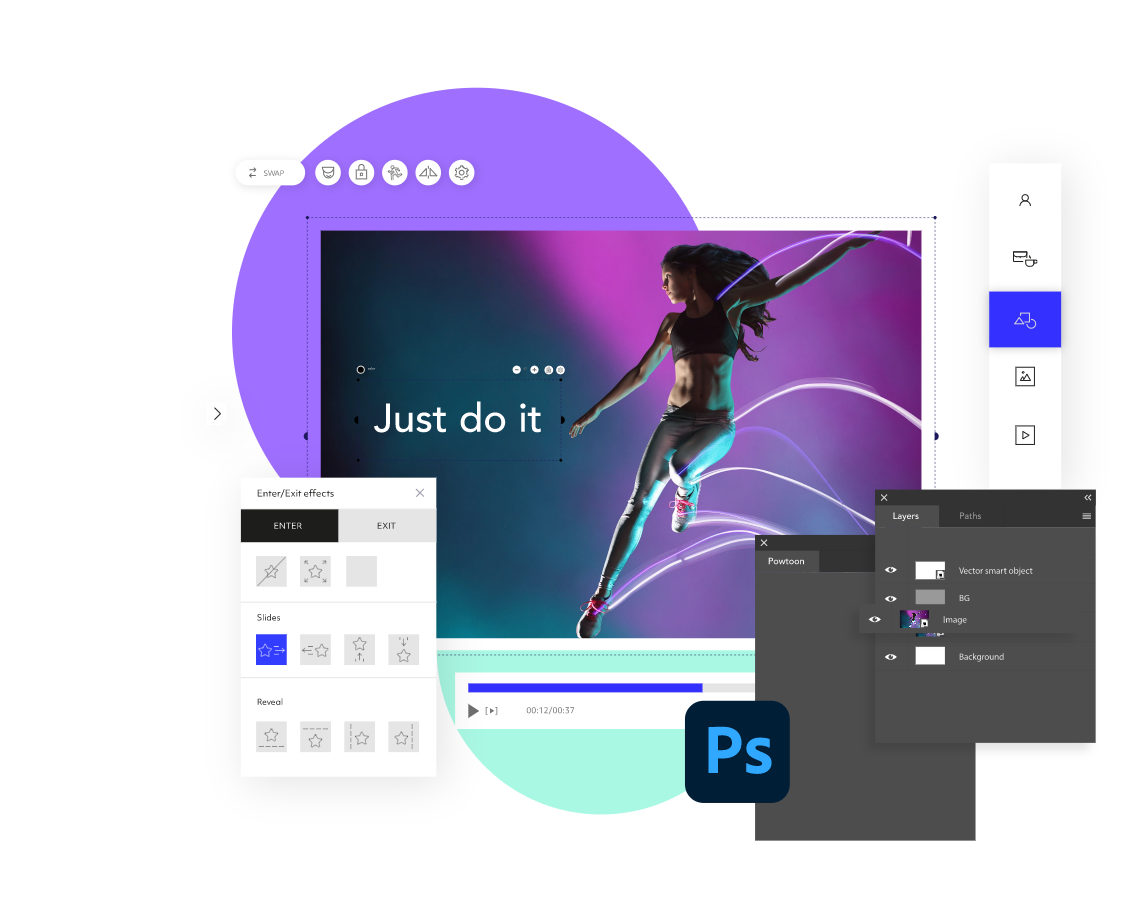
Easily Turn Your Photoshop Designs into Videos

Create a professionally designed video by converting your Photoshop designs to a video! With Powtoon’s online video editor, it’s easy to transform your static Photoshop designs into videos in seconds.
Loved by 30 million people

Millions of videos are made on Powtoon by beginners and pros

Powtoon is a free video maker where you can import your favorite Photoshop designs to a video online anytime, anywhere. Enhance your Photoshop designs with free stock images and videos, drag and drop animation, characters, and music soundtracks – or upload your own – to create your own unique videos. Share directly to YouTube, Facebook, LinkedIn, Hubspot & more! Watch your video come to life in seconds.

Import Photoshop Designs to a Video Free

Why pay when you can turn your Photoshop designs into a video for free? You can edit a video in so many ways using our free video editor. Add voiceover, text, animation, characters, music, and more to create unique videos every time.

Add Music to Video

Easily add music to enhance your video. Choose soundtracks from our royalty-free library – or upload your own.

Add Text to Video

Easily add text to make any video uniquely your own! Choose from multiple designed text styles, hundreds of fonts, and colors.

How to Import Photoshop Designs to a Video

01
Export Artboards to Powtoon
The first step in turning your designs into videos is to open the Photoshop design that you want to export. Export all or selected artboards to Powtoon.
02
Log in
Log into or sign up for a Powtoon account. Your designs will be ready and waiting for you in video format in the Powtoon video editor.
03
Edit Your Video
Use our free video editor to add icons, illustrations, animation, music, colors, fonts, custom characters, and other graphics to your video for a personal touch.
04
Download & Share Your Video
You’re finished! Download your video as an MP4. Or, share your new video directly to your website, YouTube, Facebook, Twitter, Instagram, LinkedIn, and more. Return to the video editor to make changes any time.

Why Use Powtoon Integrated with Photoshop?

01

Full Video Customization

Choose from a library of free stock images, footage, and music, characters, animation, and graphics that you can access without leaving Powtoon. Or, upload your own videos to easily customize your Photoshop designs with just a few clicks.
02

Professional Video Maker. No Skills Needed

No matter your skill level, Powtoon gives you the power to create videos with voiceover without the hassle of complicated software or the expensive cost of a typical video maker tool. Creating your own videos requires no design or tech skills.
03

Step By Step Guidance

Everyone hits bumps in the road. That’s why we’re here for you every step of the way with tutorials, support, live webinars, and our training center. If you can’t find your way, our friendly Customer Service team is ready to point you in the right direction. You can quickly and easily reach them at support@powtoon.com.

What Our
Users Say

Powtoon allows me to produce creative content, while eliminating the need to purchase expensive equipment and software.

Arlette Lopez
Global Content & Messaging

Our subscription to Powtoon has paid for itself 100 times over.

Ryan Deiss
CEO | Digital Marketer

Once we started offering videos, our sales increased 37%! Powtoon is so easy to use, and their service is amazing, allowing us to offer a unique product that is affordable, that crushes the competition.

Matt Jones
CEO | Visioniz

Check out the Powtoon Blog to learn more about how to turn Photoshop designs into a video.

Join 40 Million People Who Love Using Powtoon

If you need to turn your Photoshop design into a video, we’ve got you covered. However, there’s so much more to discover on Powtoon.com. Explore our platform of online video tools and start communicating visually today.