12 best AI video generators of 2025
AI video creation is no longer a niche skill. With the right tools, anyone can turn text, slides, or prompts into high-quality videos in minutes. The challenge is choosing the best AI video generator from all the options.
Our guide does some of the work for you, highlighting the top tools of 2025, covering both free and paid platforms built for speed, simplicity, and results.
But which is the best one?
The best AI video generator shortlist
- Powtoon for animated explainers and team-friendly customization
- Synthesia for avatar-led videos in multiple languages
- Renderforest for branded video creation with templates, voiceovers, and all-in-one editing
- Colossyan for training videos with auto-translation
- Hour One for realistic video content with strong API support
- Elai for customizable avatars and fast tutorial creation
- VEED for subtitled content and multi-platform publishing
- Steve AI for quick script-to-video generation
- Runway for text-to-video and creative AI editing
- Descript for script-based editing and podcast-style videos
- HeyGen for diverse avatars and voice cloning
- DeepBrain for human-like avatar presentations
What exactly is an AI video generator?
An AI video generator is a software platform that uses advanced algorithms to create videos automatically. By analyzing input such as text, images, or raw footage, it can generate a high-quality video with minimal human intervention.
These tools often provide features like automated editing, voiceover generation, and adding effects, making video production quick and accessible. You simply provide the content, and the AI takes care of the production part, coming up with professional-looking videos suitable for marketing, education, or entertainment purposes.
Essentially, this technology democratizes video creation, allowing anyone to produce professional-grade videos without much editing skills.
What to look for in an AI video generator
Not all AI video generators are created equal. Some prioritize speed, others focus on creative control. Here’s what actually matters when you’re choosing one:
- Flexible input support: Good tools accept scripts, prompts, URLs, or uploaded documents. You shouldn’t need to reformat your content just to start.
- Smart scene composition: The AI should understand context and structure, not just paste in stock footage. Tools that build scenes based on meaning deliver better results.
- Natural-sounding voiceovers: Choose tools with adjustable tone and pacing. Multilingual support is only useful if the voices sound human.
- Editable output: You should be able to tweak scenes, timing, transitions, and visuals after generation. Full automation with no control usually leads to generic content.
- Brand customization: Look for the ability to save templates, set fonts, colors, and logos, and apply them across projects without doing it from scratch every time.
- Multiple export formats: A strong generator supports vertical, square, and landscape video formats. It should also offer 1080p or higher resolution.
Best AI video generators for teams and business use
1. Powtoon Imagine
Pros
- Wide range of customizable templates for corporate training, internal communications, and marketing
- Advanced text-to-video AI assistant that turns briefs into editable videos
- AI voiceovers in 120+ languages and multilingual video support
- Integration with PowerPoint and strong team collaboration tools
- Reliable support and extensive learning resources for teamses.
Cons
- Sound effect options are limited
- Small learning curve for mastering all features
Key features
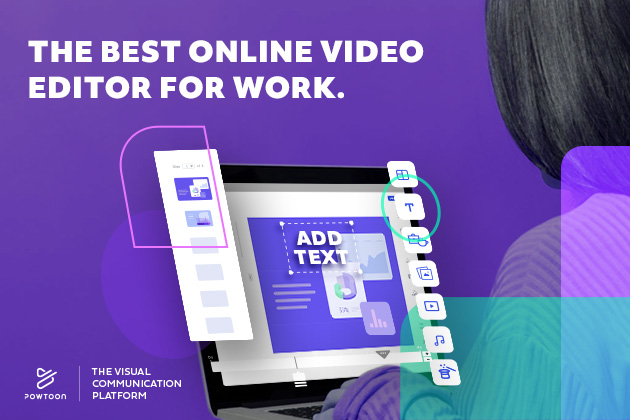
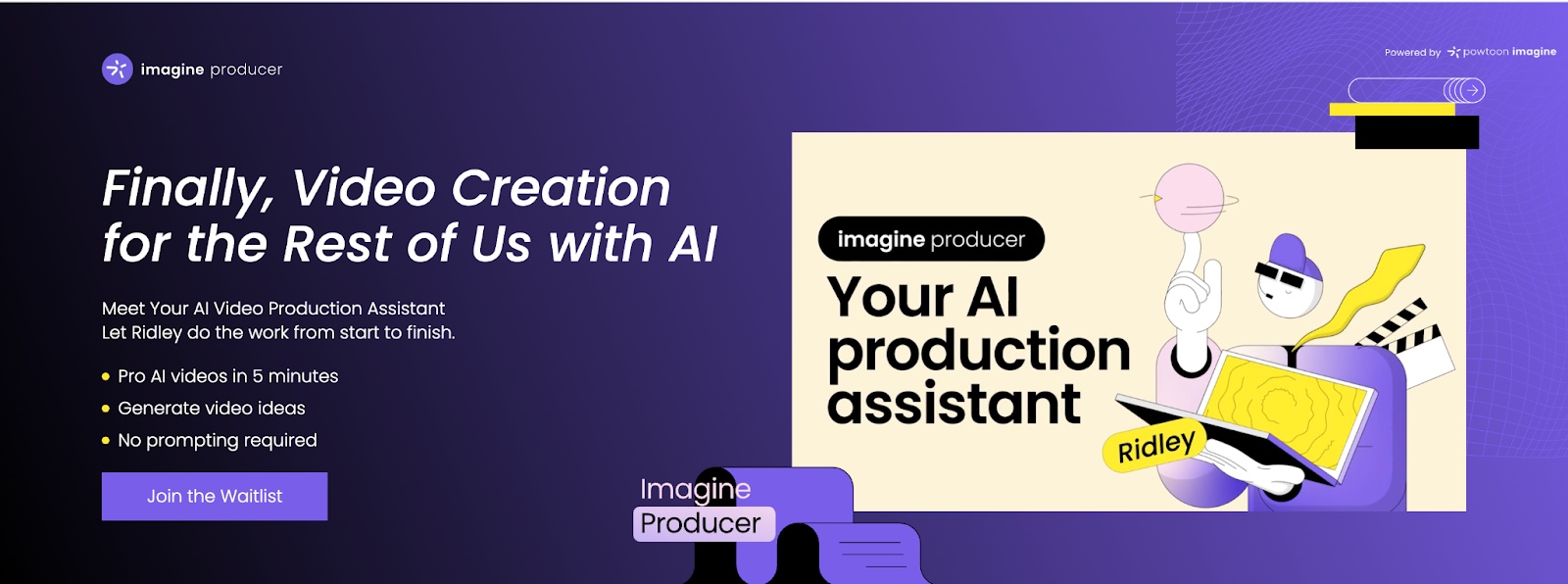
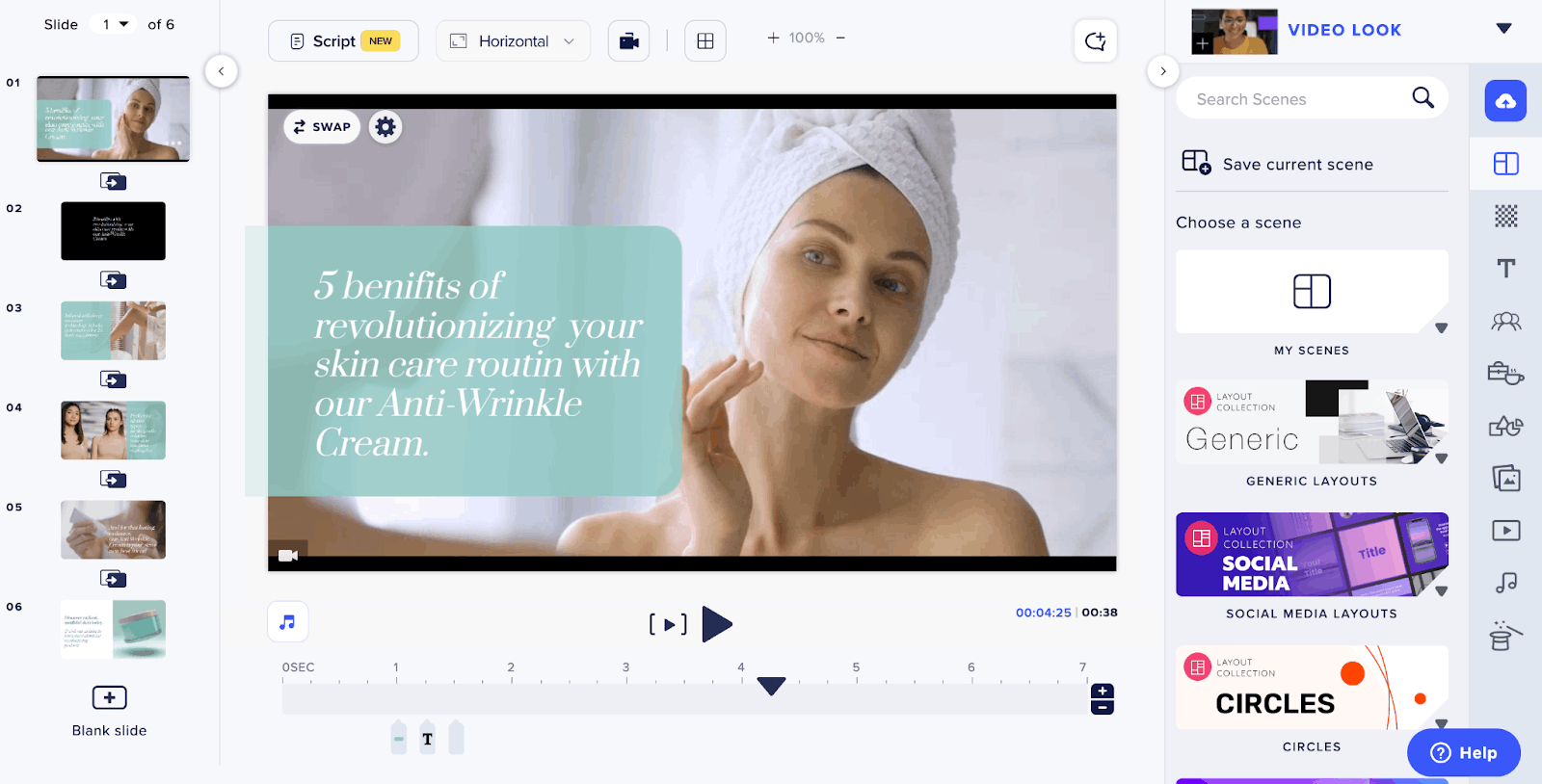
Powtoon’s AI video generator makes it easier to go from an idea to a ready-to-edit video. You describe what you want, and it gives you a draft with scenes, voiceover, and visuals already set up. From there, you can tweak the script, swap visuals, or change the voice.
It also has tools that help if you’re working with existing content, like turning PowerPoint slides into animated videos, or using the character builder to create avatars that match your brand. The AI video assistant can guide you through the process, especially if you’re not sure where to start or how to structure your video.
It’s a solid pick if you’re working on internal comms, onboarding, or training videos and don’t want to start from scratch every time.
Pricing
- Lite plan: For $15 a month ($180 billed annually), you get 2 GB of storage, watermark removal, five premium exports per month, the option to create videos up to 10 minutes long, and more
- Professional plan: For $70 a month ($840 billed annually), you get 10 GB of storage, unlimited premium exports, full access to all content and templates, and more
- Business plan: For $125 a month ($1,500 billed annually), you get full brand control, 100 GB of storage, 3rd party reseller rights, character lip-syncing, and more
Who is Powtoon best for?
Powtoon’s AI video generator is best for marketers, educators, and businesses looking for an easy-to-use tool to create high-quality videos without much video editing knowledge.

2. Synthesia
Pros
- Easy to use without much technical expertise
- Access to more than 140 AI avatars
- Voiceover in over 130 languages and accents
- Room for scalability
Cons
- Poor quality on bigger screens
- Users report some imperfections and unnatural movements on a full screen
Key features
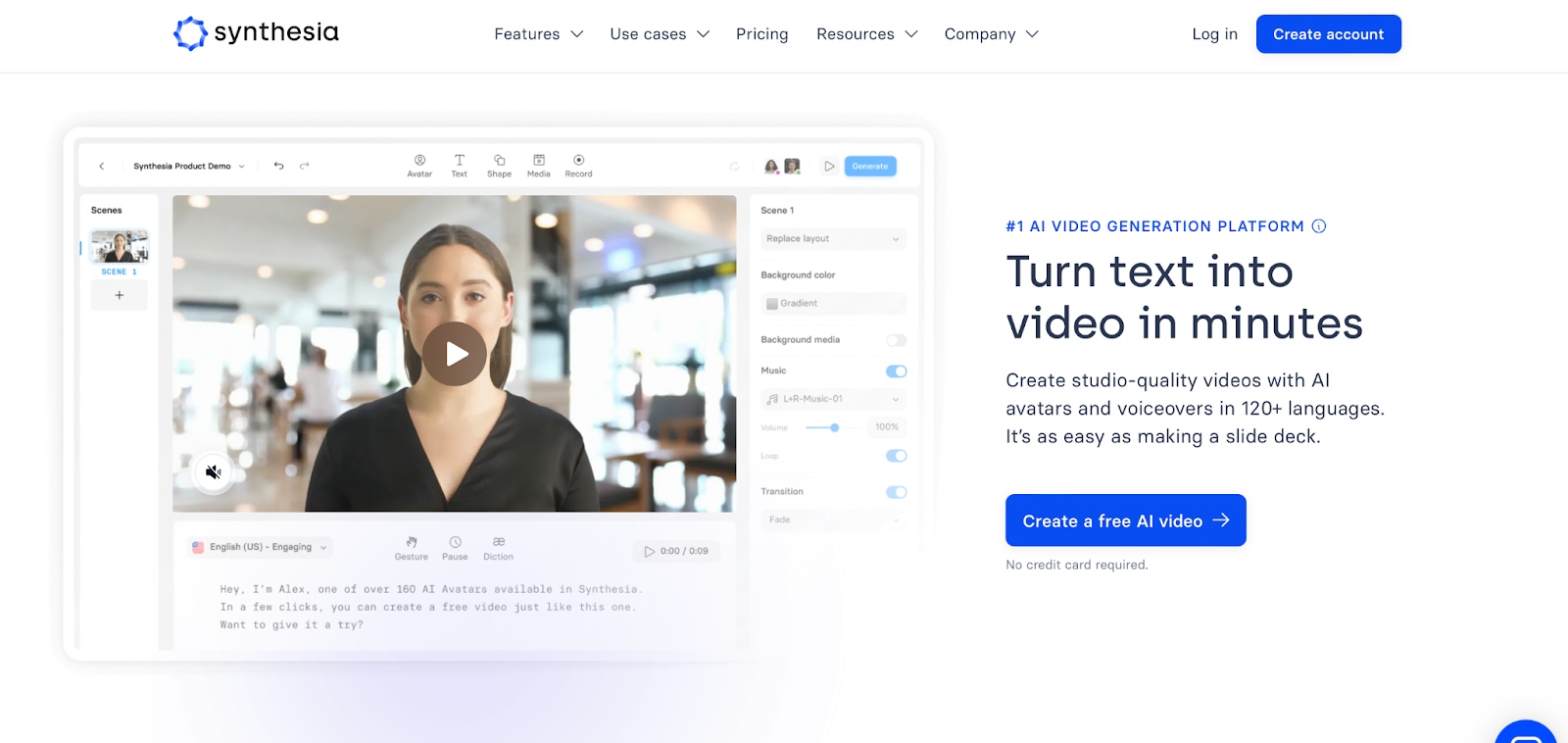
Synthesia’s AI-generated avatars are one the most impressive features of Synthesia. You can even personalize your avatars to act as digital twins. The platform also allows you to upload your own footage and superimpose the AI avatar, delivering a dual-layered presentation. And let’s not forget the ability to generate realistic voiceovers in over 130 languages and accents.
Pricing
- Free plan: You get six AI avatars, 36 minutes of video a year, over 120 languages and voices, over 60 video templates, and more
- Starter plan: For $22 a month, you get over 70 AI avatars, 120 minutes of video a year, the avatar builder, an AI video assistant, a custom webcam avatar, and more
- Creator plan: For $67 a month, you get over 90 avatars, 360 minutes of video a year, custom fonts, and much more
- Enterprise plan (custom pricing): You get over 140 AI avatars, unlimited minutes of video, 1-click translations, and much more
Who is Synthsia best for?
Synthesia is one of the best AI video software programs for businesses looking to create marketing, educational, or corporate training videos.
3. Descript

Pros
- Text-based video and audio editing
- Eye Contact feature allowing you to read from a script
- Automatic filler words and silence removal
Cons
- Free plan only allows for one transcription hour per month
- Doesn’t have a mobile application
Key features
One of the standout functionalities of Descript is the overdub feature, allowing you to create lifelike voiceovers simply by typing. Also, if you are uncomfortable speaking directly to the camera or want a more polished look with constant eye contact, the software allows you to record your audio while reading from a script. The AI engine adjusts the position of your eyes to make you seem to maintain eye contact with your audience throughout the video.
Pricing
- Free plan: You get up to 720p export quality, one transcription hour per month, one remote recording per month, and more
- Creator plan: For $12 a month, you get watermark-free export, up to 4K quality, 10 transcription hours per month, 10 remote recording hours per month, automatic filler word removal, and more
- Pro plan: For $24 a month, you get unlimited use of AI effects and AI voice cloning, full access to premium stock media, and much more
- Enterprise plan (custom pricing): You get a dedicated account representative, device service agreement, and more
Who is Descript best for?
Descript’s AI video generator is a great tool for content creators, podcasters, and businesses looking for an all-in-one platform that simplifies video creation.
4. Runway
Pros
- Gen-2 text-to-video tool
- Intuitive and easy-to-use interface for users of all skill levels
- Integrates with popular tools like Photoshop
- Strong community support
Cons
- Generated content can sometimes be inconsistent
- Requires a powerful computer
Key features
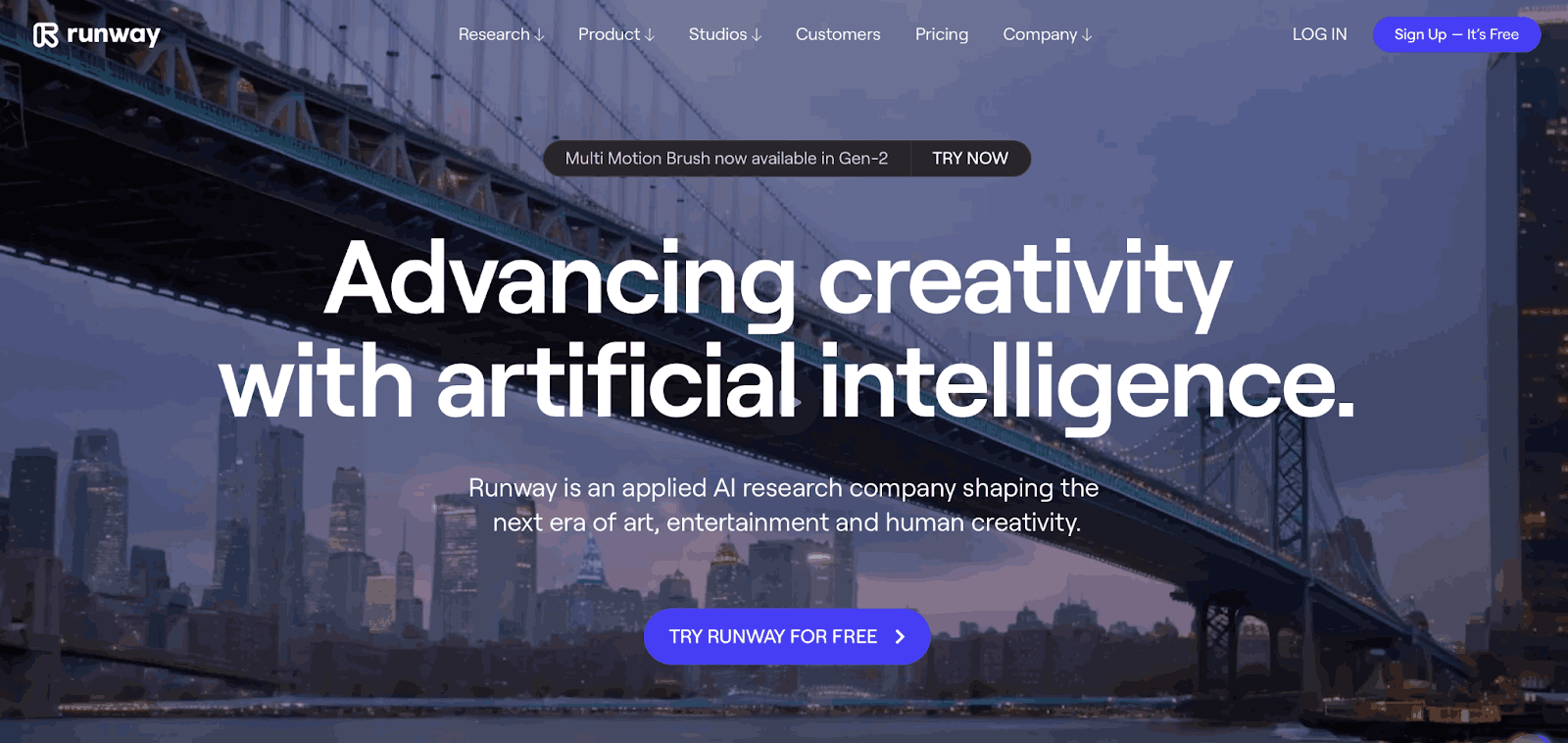
Runway’s Gen-2 text-to-video model makes it a standout among the best free AI video generator tools for creators interested in experimental and high-quality content. The platform offers advanced features like image stabilization, noise reduction, and the ability to modify subjects in video via simple text commands. It’s also ideal for teams thanks to its Photoshop integration and creative community.
Pricing
- Basic plan (free): You get 125 credits and limited features like 5 GB assets and 720p exports
- Standard plan: For $12 per month, you get 625 credits and extra features, including 100 GB assets, upscale resolution, and the ability to train AI generators
- Pro plan: For $28 per month, you get 2250 credits and full access to features, including 500 GB assets, upscale resolution, and the ability to train AI generators and create custom voices for lip-sync and text-to-speech
- Unlimited plan: For $76 per month, you get unlimited video generations and all the features in the Pro plan
- Enterprise plan (custom pricing): You get all the features in the Pro plan plus custom storage, model customizations, priority support, integration with internal tools, and more
Who is Runway best for?
Runway’s AI video editing tool is great for YouTubers, filmmakers, designers, and teams looking to enhance their video production efforts with AI capabilities.
5. Colossyan
Pros
- Ability to auto-translate the video into over 70 languages
- Diverse range of customizable AI avatars with various accents
- Multi-language support
- High-quality output
Cons
- No free plan (except for a free trial with limited features)
- AI avatars sometimes appear unnatural
Key features
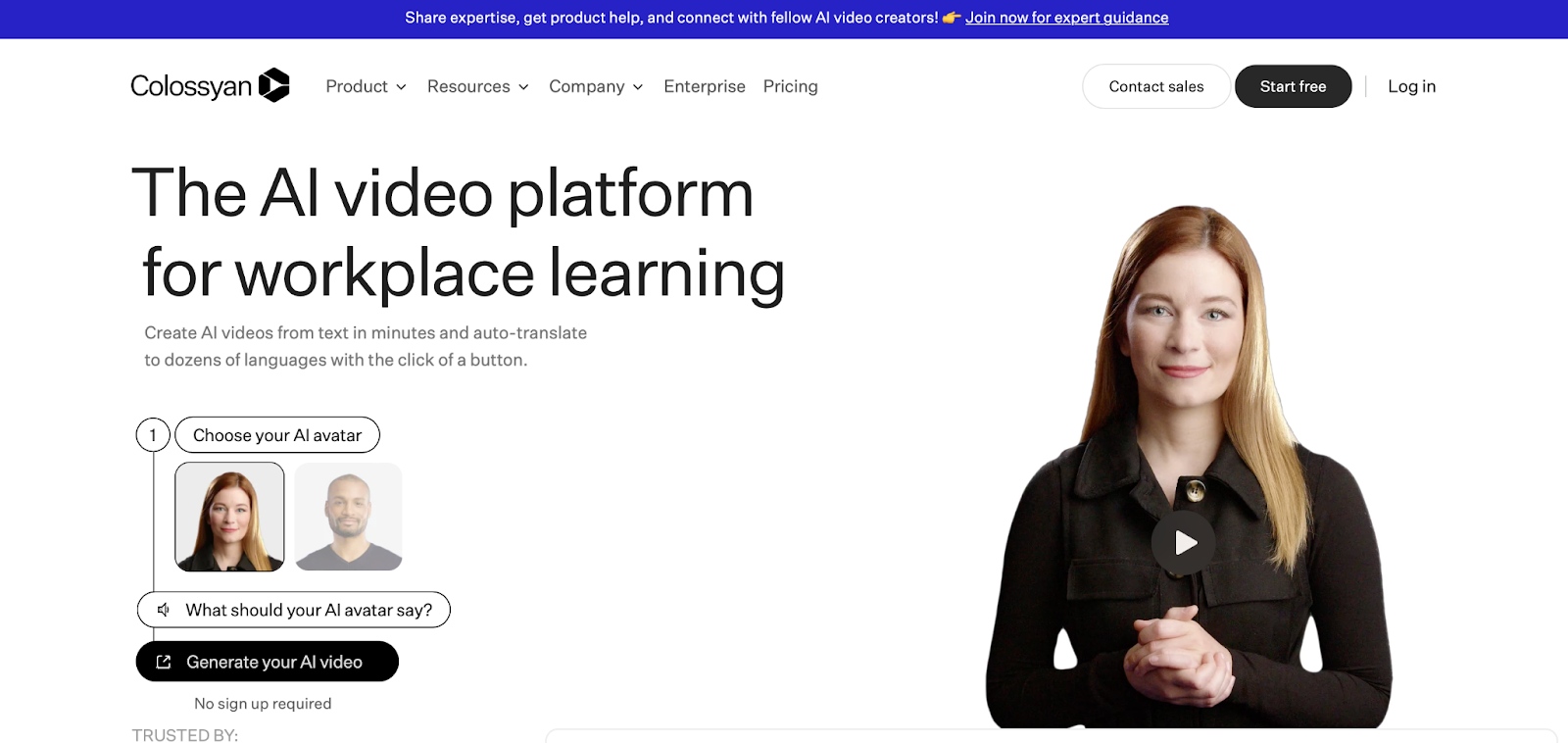
With intuitive features and the ability to translate videos into over 70 languages, Colossyan is another one of the best AI video maker platforms. It allows you to choose an AI avatar from a collection of options, each with its own distinct accent and speaking style. Converting PDFs and PPTs into interactive videos via AI is another useful feature of Colossyan. This approach to content repurposing makes it a great choice for users willing to incorporate AI into tutorial and training content creation.
Pricing
- Starter plan: For $19 a month, you get one custom voice, 120 minutes of video a year, an AI script assistant, and much more
- Pro plan: For $61 a month, you get one custom lite avatar and voice, 360 minutes of video creation a year, avatar conversation, and much more
- Enterprise plan (custom pricing): You get unlimited minutes, custom studio avatar and voice, collaboration features, and much more
Who is Colossyan best for?
Colossyan is excellent for educators, marketers, and businesses looking to produce professional videos quickly and easily.
6. HeyGen
Pros
- Integration with Zapier
- User-friendly interface
- Wide variety of templates and avatars
- More than 40 languages with over 300 automated voices
- Voice cloning with minimal audio input
Cons
- Limited to video generation with AI avatars
- Limited customization options for advanced users
Key features
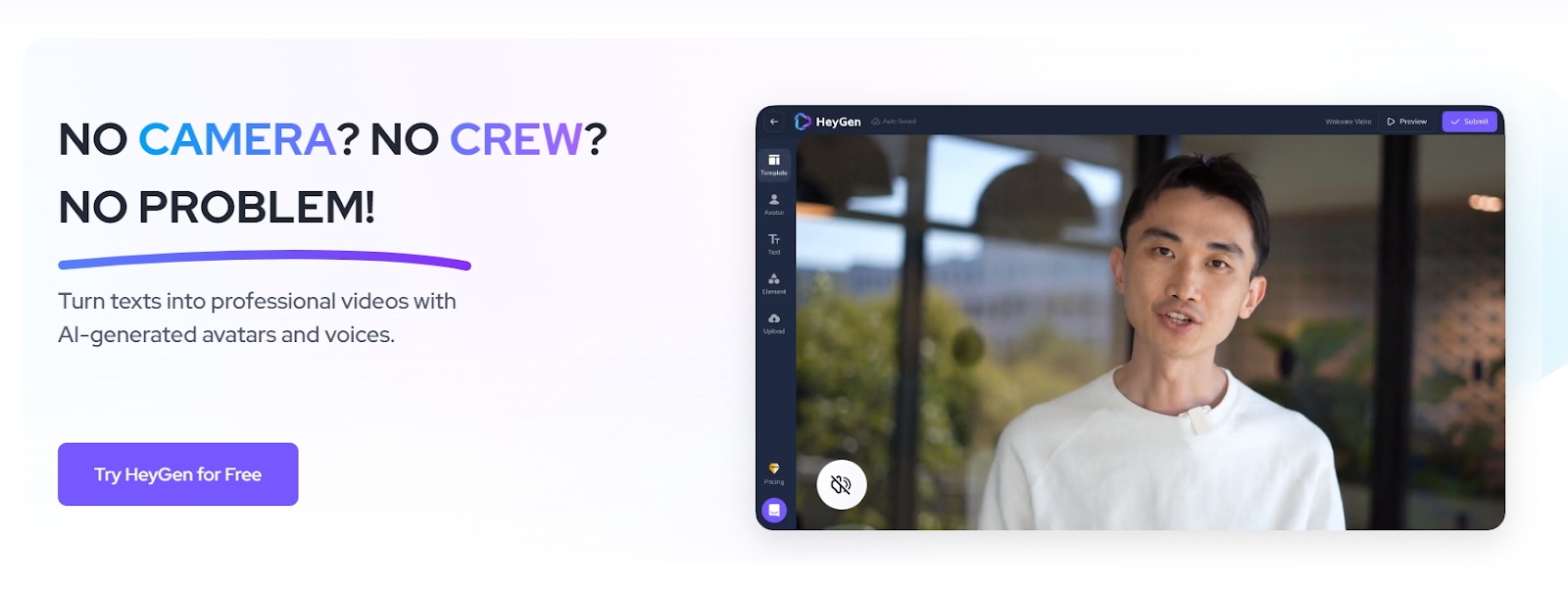
HeyGen is a strong contender for the best free AI video generator thanks to its user-friendly interface, diverse avatars, and voice cloning capabilities. The platform supports over 40 languages and integrates with tools like Zapier, allowing easy content sharing and automation. Whether you’re using one of the ready-made templates or building a video from scratch, HeyGen offers creators flexibility without a steep learning curve.
Pricing
- Free plan: You get one seat, more than 60 base avatars, and over 300 voices
- Creator plan: For $24 a month, you get everything in the Free plan plus three instant avatars, premium voices, and much more
- Team plan: For $120 a month, you get everything in the Creator plan plus multiple seats, 4K resolution video exports, faster video processing, and much more
- Enterprise plan (custom pricing): You get everything in the Team plan plus API access, an account manager, general commercial terms, and more
Who is HeyGen best for?
HeyGen is an ideal AI video generator for freelancers, small business owners, and marketing professionals looking to create high-quality video content without the need for technical expertise.
7. VEED
Pros
- Easy to use for beginners and experts alike
- Supports direct sharing to a range of platforms
- Automatic subtitle generation and translation
Cons
- Limited editing functionality in the mobile application
- The free plan restricts video length to a maximum upload size of 1GB
Key features
Veed is not only an AI video making tool but a solid platform for live streaming as well. All you need is your browser, and you can stream across multiple channels, invite guests in real-time, and even record your stream. Once the live is over, the platform’s post-streaming functionality allows you to repurpose the content and turn it into clips for social media platforms like TikTok, LinkedIn, or YouTube.
As for video making, Veed offers a range of tools like avatars and voiceovers. And unlike some other video generators, it is capable of automatically generating subtitles by transcribing your audio or video files to text with a simple click. The platform boasts an impressive 95% accuracy rate, making sure your transcriptions are as accurate as possible.
Pricing
- Free plan: You get 2 GB of storage, 720p export quality, limited stock templates, and more
- Basic plan: For $12 a month, you get unlimited upload size, full HD 1080p exports, 720 minutes of subtitles a year, and much more
- Pro plan: For $24 a month, you get clean audio, eye contact correction, access to stock audio and video library, and much more
- Business plan: For $59 a month, you get customizable video templates, 4K export quality, 3,600 minutes of text to speech, and much more
- Enterprise plan (custom pricing): You get personalized AI avatars, custom usage limits, multiple workspaces, an account manager, and more
Who is Veed.io best for?
Veed.io is a great choice for content creators, marketing teams, and businesses looking to produce high-quality videos with little effort.
8. Steve AI
Pros
- Straightforward and easy-to-use interface
- Affordable pricing plans
- Can produce high-quality videos up to 4K resolution.
Cons
- Heavy reliance on templates
- Limited advanced features
Key features
Steve.AI offers a range of features designed to make video creation a breeze. These include tools for turning scripts into videos, streamlining the whole process. The platform supports multi-format video output, from 720p to 4K, guaranteeing quality for various distribution needs. Meanwhile, the intuitive animation maker and rich media asset library enhance creative possibilities.
Pricing
- Free plan: You get five voiceovers, five AI video generation credits per month, 10 image generation credits per month, and more
- Basic plan: For $15 a month, you get 720p resolution, ChatGPT integration, podcast-friendly voice to video, and much more
- Starter plan: For $45 a month, you get 1080p resolution, 80% human-like text to speech, 100 character actions, and much more
- Pro plan: For $60 a month, you get 2K resolution, premium support, 100% human-like text to speech, over 200 character actions, and much more
- Enterprise plan (custom pricing): You get 4K resolution, full brand-kit setup, custom voices, custom character actions, and much more
Who is Steve AI best for?
Steve.AI is a great choice if you’re a small business owner, individual creator, or marketer looking to produce high-quality video content quickly and with little effort.
9. DeepBrain
Pros
- Photorealistic avatars for human-like experience
- Integration with ChatGPT
- Multi-language support
Cons
- AI-generated content may seem unnatural in some cases
- Some features have a learning curve
Key features
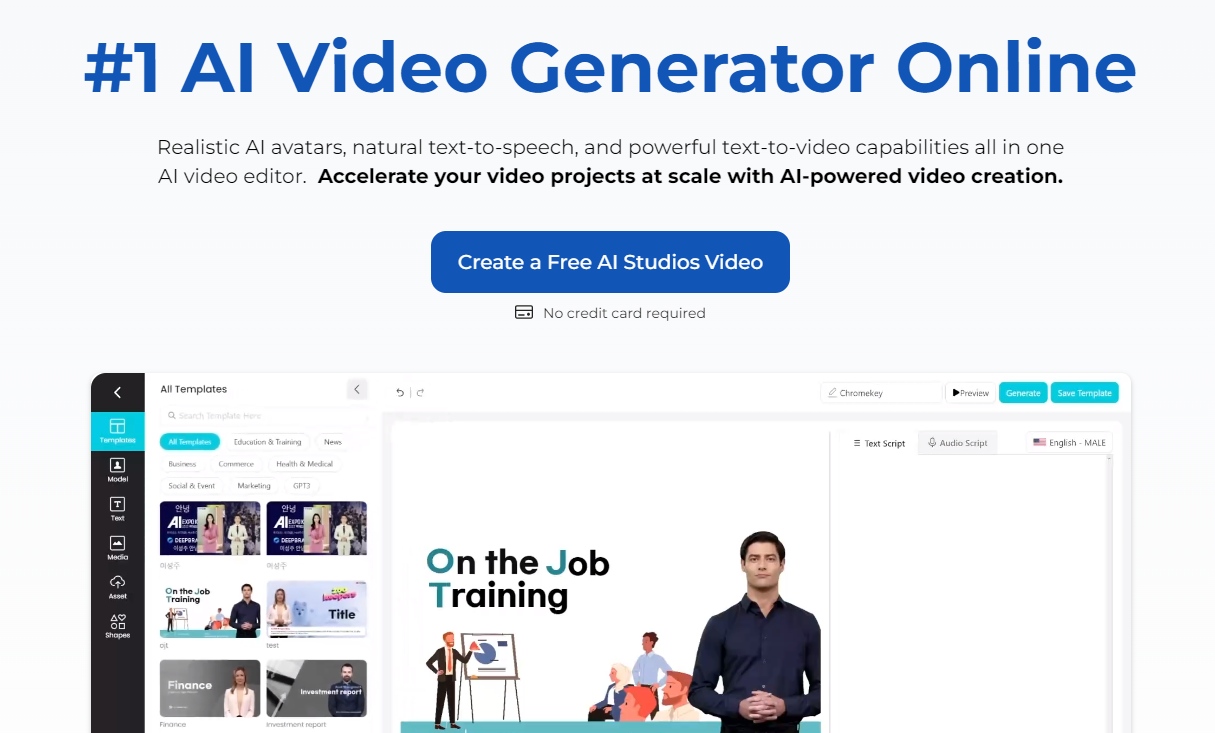
With the ability to create human-like avatars, DeepBrain is a no-brainer choice for an AI video generator. The platform has advanced text-to-speech capabilities and human-like speech, allowing you to create an interactive dialogue with your audience. Its innovative technology also integrates with OpenAI’s ChatGPT. This combination means you can transform text into engaging conversations, adding a human touch to AI-generated video content.
Pricing
- Personal plan: For $24 a month, you get five AI prompts per month, voice upload, over 60 AI avatars, and more
- Team plan: For $72 a month, you get unlimited AI prompts, automated captions, gesture control, over 80 avatars, Shutterstock access, and more
- Enterprise plan (custom pricing): You get API access, custom studio AI avatars, 24/7 priority support, and more
Who is DeepBrain best for?
DeepBrain AI’s video generator is a good option if you’re a content creator or a marketer looking to create high-quality, professional videos quickly and easily.
10. Hour One
Pros
- Easy to use
- High-quality output in various resolutions, including 4K
- Collaboration tools
Cons
- Learning curve for certain features
- Requires a strong internet connection
Key features
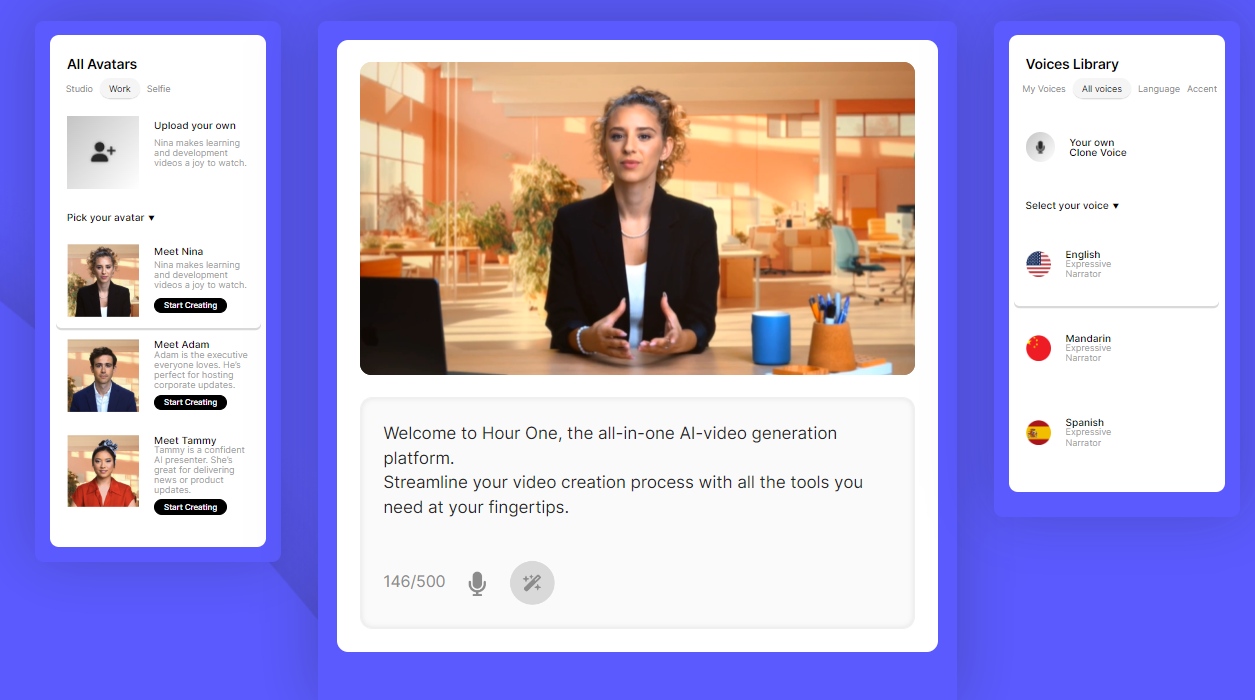
Hour One’s AI video generator uses advanced algorithms to create realistic video content in minutes. You can choose from a variety of hyper-realistic AI avatars and pre-designed video templates. The platform also supports over 60 languages and 200 accents, making it ideal for creating multilingual content. And let’s not forget features like text-to-video generation, AI script assistants, voice cloning, and a comprehensive brand kit.
Pricing
- Lite plan: For $25 a month, you get all 2D templates, script and video wizard, and more
- Business plan: For $95 a month, you get everything in the Lite plan and 3D and premium templates, translation wizard, improved rendering, and more
- Enterprise plan (custom pricing): You get everything in the Business plan and custom avatars, unlimited video minutes, API access, and more
Who is Hour One best for?
Hour One AI is an ideal tool for a wide range of users, including startups, freelancers, small to large enterprises, and professionals in learning and development, human resources, news, e-learning, real estate, and e-commerce.
11. Elai
Pros
- Diverse range of features
- Supports over 120 languages
- Requires no technical expertise
Cons
- Some users have reported that the editor can be laggy at times
- Limited customization options for individual elements
Key features
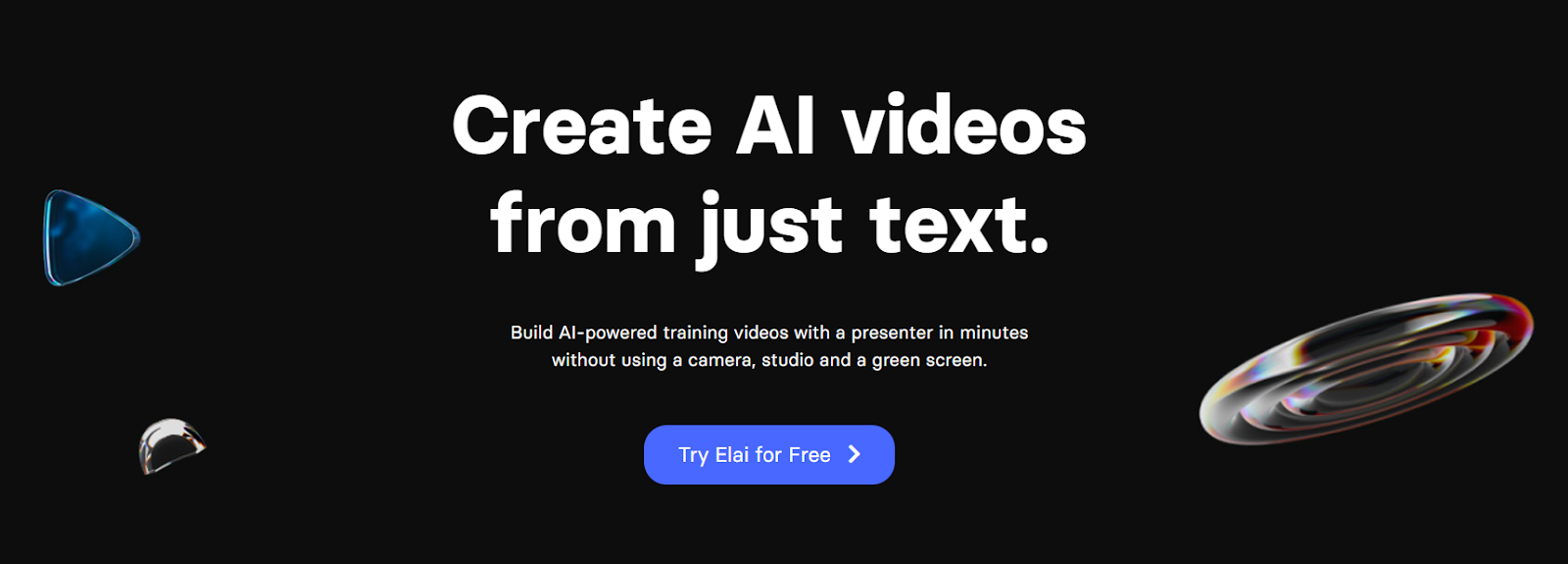
One of Elai’s standout features would have to be the customizable AI avatars and voice cloning functionality that you can use to personalize your videos. The avatars come in various forms, including selfie, studio, photo, and animated mascots. You can also benefit from a huge collection of professional video templates and collaboration tools. Besides video generation, there’s even a screen recording feature that you can use to create tutorials, demos, and presentations.
Pricing
- Free plan: You get over 80 AI avatars, interactivity, and much more
- Basic plan: For $23 a month, you get everything in the Free plan plus API access and more
- Advanced plan: For $100 a month, you get everything in the Basic plan plus premium voices, brand kit, and more
- Corporate plan (custom pricing): You get everything in the Advanced plan plus SCORM export, free voice cloning per seat, and more
Who is Elai best for?
Elai.io is a good choice for small business owners, marketers, and content creators who need to produce high-quality content as quickly as possible.
Choosing the best AI video generator!
AI video generators have changed how people create content, offering features to support everything from marketing to education. Different tool brings something different to the table: character customization, avatar-based narration, or fast text-to-video workflows.
Instead of chasing the “best” tool, it’s more practical to focus on what fits your needs. If collaboration, ease of use, or animation features matter most to you, some platforms will stand out more than others. The key is to experiment, compare, and choose the one that works best for your goals.

Best AI video generator FAQ
What is an AI video generator?
An AI video generator is a software tool that uses artificial intelligence to automate the video creation process. These tools can analyze content, such as text scripts or raw video footage, and apply intelligent editing techniques to produce professional-quality videos. AI video generators typically offer features like automated scene detection, smart trimming, and text-to-speech conversion.
How do you generate an AI video?
To generate an AI video, you start by providing the AI video generator with the necessary content, which could be a script, text, or raw video footage. The AI analyzes this input and uses predefined templates or custom settings to generate the video. This may include choosing visuals, adding background music, generating voiceovers, and applying effects. Once the AI has completed its analysis and editing, you can review the video, make any necessary adjustments, and then export the final product in your preferred format.
What is the best AI video generator?
Some popular AI video generators include tools like Powtoon, which offers a guided script-to-video workflow, a wide range of animation styles, and full customization in its editor, and Synthesia, which provides realistic avatars and multi-language support. Each of these tools has its own strengths, catering to different aspects of video creation.


Hanna Abitbul
Latest posts by Hanna Abitbul (see all)
- What is Veo 3 and How Does It Work? - July 7, 2025
- Veo 3 vs. Sora by OpenAI: Side-by-Side Comparison for 2026 - June 26, 2025
- Veo 3 Cinematic Video Creation: Realism Without the Wait - June 25, 2025
- Veo 3 for Marketers: Creating Ads and Product Videos Faster with Powtoon - June 24, 2025